Online PlayStation (PS1) Emulator
Play PlayStation 1 games in your browser. Drop a disc image you own - .cue/.bin, .iso or .pbp, or a .zip of them - and a Mednafen-based core runs it in WebAssembly, with nothing to install.
Play your own PS1 game
Drop a file onto the box - the game starts in seconds, and nothing is uploaded anywhere.
Drop your PS1 game here
or click to choose a file from your device
Accepted: .bin .cue .iso .pbp .zip .7z
The file never leaves your device. RetroHub does not provide commercial ROMs - only play games you legally own.
No file? Try a PS1 game now
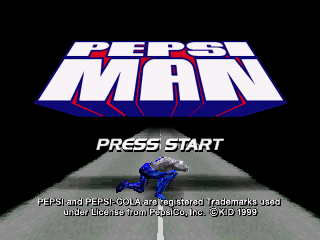
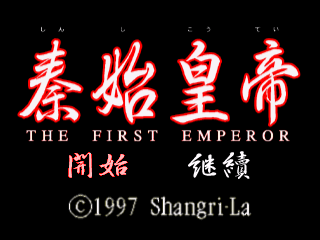
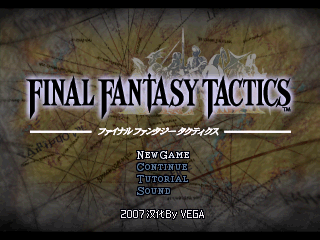
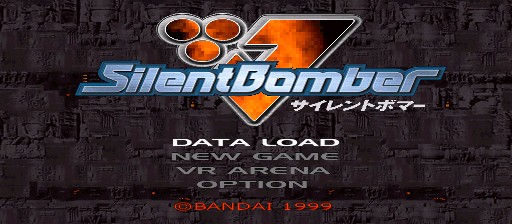
These games open with one click, so you can test the emulator, the controls and the sound.
How to play PS1 games online
- Drop a PS1 game file you own onto the box above, or open one of the featured games.
- On the first start RetroHub downloads the emulator core once and keeps it in your browser, so later starts are quick.
- Play with the keyboard, a gamepad or the on-screen touch buttons. Your saves stay on this device.
About PlayStation emulation
The original PlayStation (1994 in Japan) read games from CD-ROM discs, so its game files are disc images: a .cue sheet with one or more .bin files, a single .iso, or a .pbp. A .cue needs its .bin files next to it, so put them together in one .zip and drop that. PlayStation emulation also needs a BIOS file (for example scph5501.bin) that RetroHub cannot provide: add your own on the BIOS page once and it is used for every PS1 game afterwards.
Tip: PS1 emulation uses WebGL 2, so a recent desktop browser works best. Disc images are large - the first start can take a minute while the file is read.
Accepted files: .bin .cue .iso .pbp .zip .7z
Controls, saves and gamepads
Default keyboard: arrow keys move, Z is the A button, X is the B button, A and S are X and Y, Enter is Start, V is Select, Q and E are the L and R shoulder buttons.
Gamepads are detected automatically - plug one in or pair it by Bluetooth and press a button. On phones and tablets, on-screen buttons appear. The emulator menu lets you remap keys, change the volume and use save states.
Saves stay in this browser's storage, or in a local folder if you pick that mode in Settings. To move to another device, export a backup from the Storage page or back up to Google Drive.
PS1 emulator FAQ
Do I need a PlayStation BIOS file?
Yes. Add a BIOS you own (for example scph5501.bin for US discs) on the BIOS page once. RetroHub cannot supply it, and after that PS1 games start normally.
Which disc image formats work?
A .cue sheet with its .bin files (zip them together), a single .iso, or a .pbp. A .zip containing any of these also works.
Why does the first start take a while?
A disc image is hundreds of megabytes. RetroHub reads the whole file from your device before starting, and the emulator core is downloaded once and cached. Later starts of the same game are much faster.
Other online emulators
RetroHub is an emulator, not a ROM store: it contains no commercial games. Only play files you legally own.