Online Nintendo DS (NDS) Emulator
Play Nintendo DS games in your browser with a dual-screen, touch-ready emulator. Drop a .nds file you own or open a featured game - the melonDS core runs in WebAssembly, with no downloads and no account.
Play your own NDS game
Drop a file onto the box - the game starts in seconds, and nothing is uploaded anywhere.
Drop your NDS game here
or click to choose a file from your device
Accepted: .nds .zip .7z
The file never leaves your device. RetroHub does not provide commercial ROMs - only play games you legally own.
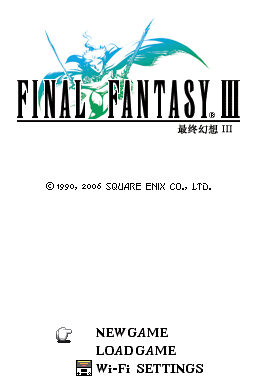
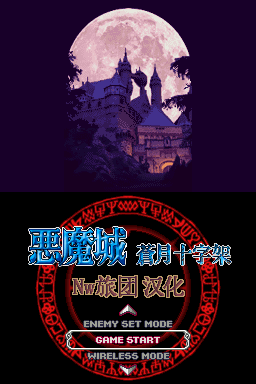
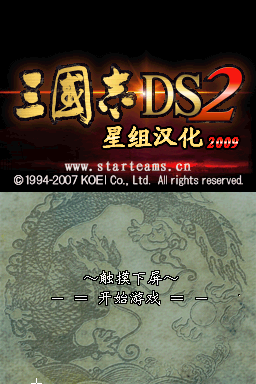
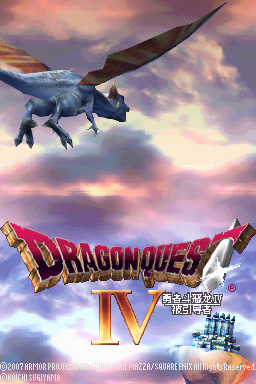
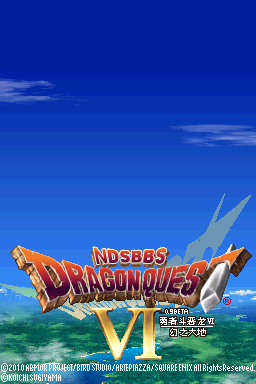
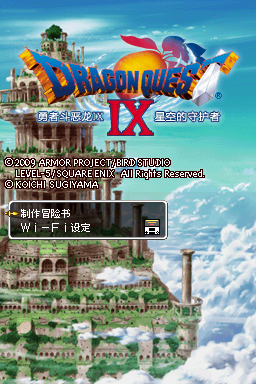
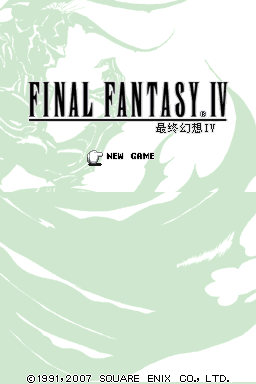
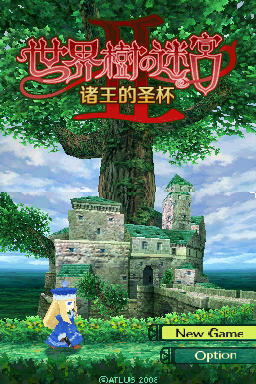
No file? Try a NDS game now
These games open with one click, so you can test the emulator, the controls and the sound.
How to play NDS games online
- Drop a NDS game file you own onto the box above, or open one of the featured games.
- On the first start RetroHub downloads the emulator core once and keeps it in your browser, so later starts are quick.
- Play with the keyboard, a gamepad or the on-screen touch buttons. Your saves stay on this device.
About Nintendo DS emulation
The Nintendo DS (2004) has two screens, the lower one a touch screen. In RetroHub the lower screen follows your mouse or finger, so stylus games work with a click or a tap. melonDS starts games without extra BIOS or firmware files. DS cartridges hold far more data than older handhelds, so the first start takes a little longer while the game file is prepared.
Tip: touch input goes to the lower screen. A desktop browser gives the smoothest DS performance; older phones can struggle with 3D games.
Accepted files: .nds .zip .7z
Controls, saves and gamepads
Default keyboard: arrow keys move, Z is the A button, X is the B button, A and S are X and Y, Enter is Start, V is Select, Q and E are the L and R shoulder buttons.
Gamepads are detected automatically - plug one in or pair it by Bluetooth and press a button. On phones and tablets, on-screen buttons appear. The emulator menu lets you remap keys, change the volume and use save states.
Saves stay in this browser's storage, or in a local folder if you pick that mode in Settings. To move to another device, export a backup from the Storage page or back up to Google Drive.
NDS emulator FAQ
Which files work in the NDS emulator?
Files ending in .nds, or a .zip that contains one.
Can I use the touch screen?
Yes. Click or tap the lower screen to use the stylus; hold the mouse button and drag for stylus swipes.
Do I need a BIOS or firmware file for Nintendo DS?
No. RetroHub's melonDS setup starts games without extra BIOS or firmware files.
Other online emulators
RetroHub is an emulator, not a ROM store: it contains no commercial games. Only play files you legally own.