Artist Tool
About This Game
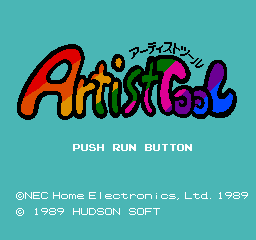
Artist Tool is a creative utility released for the PC Engine (TurboGrafx-16) in Japan, allowing users to draw and edit pixel art directly on the console.
Story
Artist Tool was released as part of a series of PC Engine utilities aimed at encouraging home creativity, letting owners experiment with pixel art without needing a computer.
Guide & Tips
Use the D-pad to move the cursor. Press Button I to draw with the selected color and Button II to erase or pick a color from the palette. Press Start to open the menu where you can change brush size, load/save your work, and adjust palette settings. Select toggles between drawing and color selection modes.
Controls
D-pad: Move cursor / navigate menus; Button I: Draw / select; Button II: Erase / pick color; Start: Open menu / confirm; Select: Switch modes / cancel.
Tags
Heads up: in this ROM version the game itself runs in Japanese.
Backup & Community ROM Sources
If the default ROM fails or you have a working mirror/translation patch, use a verified source below or submit a direct link to help other players.